Getting Started
System Builder lets you turn an idea about tennis into a betting system you can test against real historical matches — no spreadsheets, no code.
You describe the kind of match you want to bet on using simple rules (for example "the favourite has won more than 70% of service games this season"), and the tool shows you how that system would have performed in the past.
The main screen
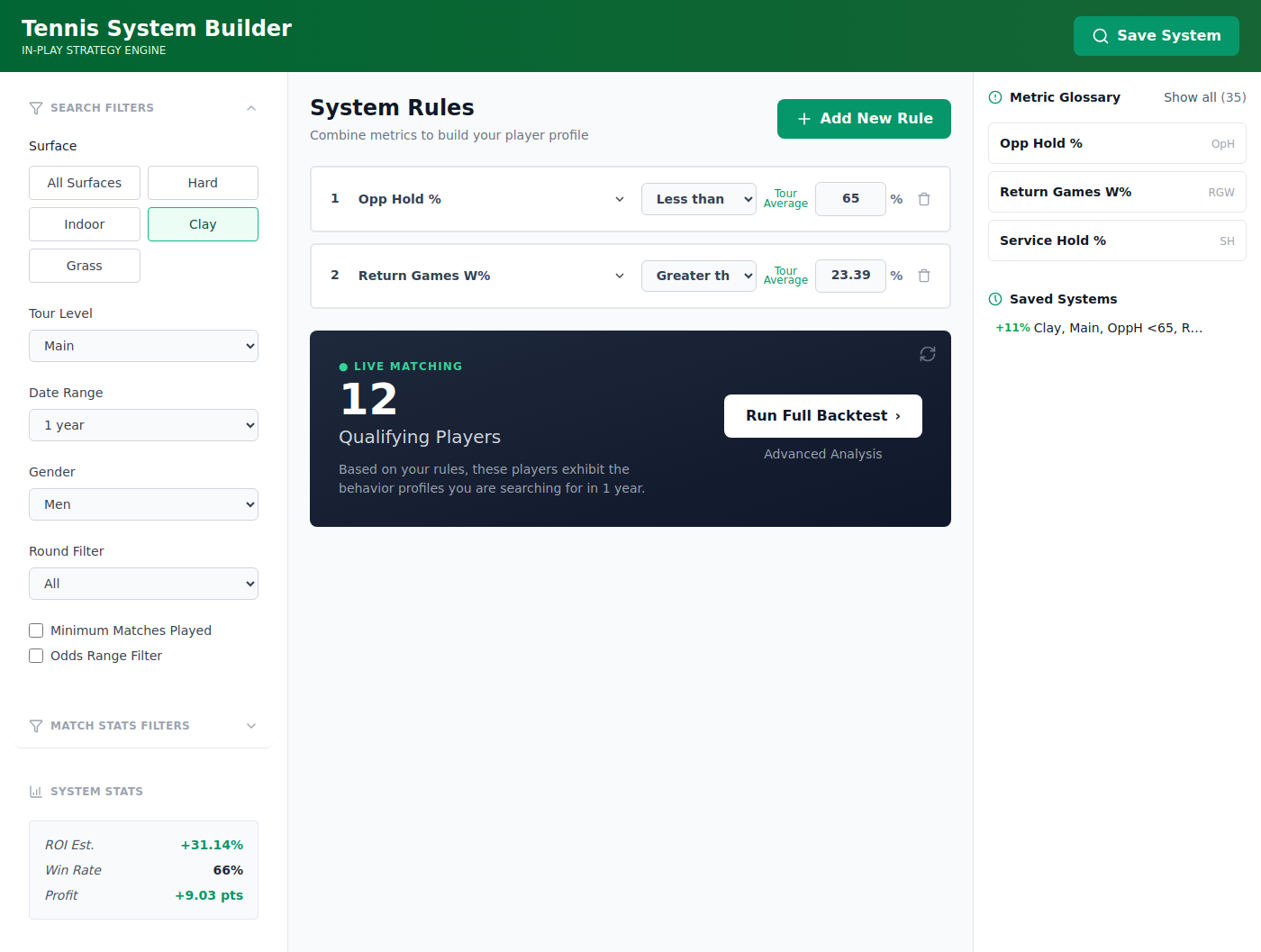
The screen is split into three columns.
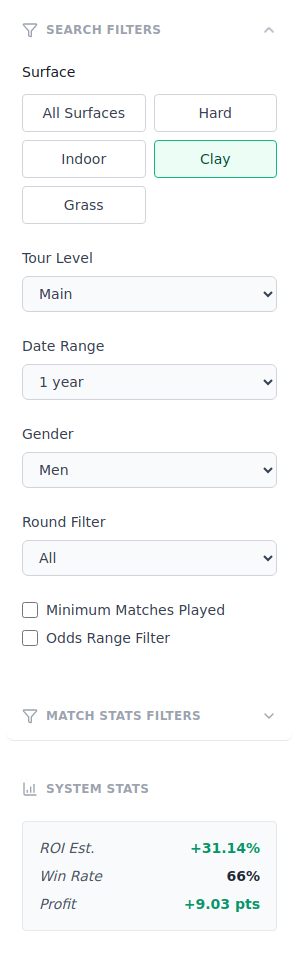
Left column — Filters. Narrow things down by surface, tournament level, round, gender, date range, minimum matches and odds. See Filters.
Middle column — Rules and Live Matching. Where you build the conditions a match must meet, and where the live qualifying-players count and backtest buttons live.
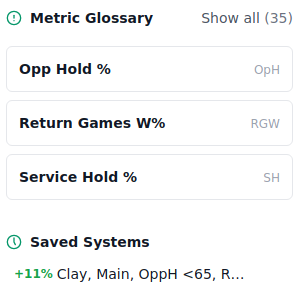
Right column — Glossary and Saved Systems. A quick reference for every metric, and the list of systems you've kept.
Nothing you do here places a real bet. It's a testing sandbox — experiment freely.
A typical workflow
Most people follow the same five steps:
- Build a rule — define what makes a match interesting.
- Run a backtest — check how the system performed historically.
- Read the results — profit, ROI, strike rate, and match-by-match detail.
- Save the system — keep the ones worth watching.
- Live matching — see which of today's matches your saved systems select.
Each of those has its own page in this manual. Start with Build a Rule.
Tips before you start
| Tip | Why it matters |
|---|---|
| Start broad, then narrow | Too many rules at once returns very few matches. |
| Watch the match count | A system with only a handful of matches isn't reliable. |
| Check more than one surface | A system that only works on clay may just be luck. |
Ready? Head to Build a Rule.